Basic PC Parts Explanation for Beginners
For beginners, understanding computer components may seem confusing because there are many terms such as CPU, RAM, GPU, SSD, and motherboard. However, once you understand the basic function of each component, choosing the right computer specifications becomes much easier.
This article explains the main PC components and their functions in simple language, making it perfect for beginners who want to build a PC, upgrade their computer, or learn more about desktop hardware.

1. Processor (CPU)
The processor, also called the CPU, is the brain of the computer. It handles all calculations and processes needed to run applications and operating systems.
- Intel Core i3, i5, i7, i9
- AMD Ryzen 3, Ryzen 5, Ryzen 7, Ryzen 9
A better processor allows the computer to run faster, multitask more smoothly, and handle demanding tasks such as gaming, video editing, and graphic design.

2. Motherboard
The motherboard is the main circuit board where all computer components are connected. Components such as the CPU, RAM, SSD, and graphics card communicate through the motherboard.
Motherboards come in different sizes such as Micro ATX and ATX. Each motherboard also supports specific processor sockets, so compatibility is very important.

3. RAM (Random Access Memory)
RAM is temporary memory used while the computer is running applications. More RAM allows smoother multitasking and better performance when opening many programs at once.
- 8GB for basic daily use
- 16GB for gaming and light editing
- 32GB or more for heavy editing and rendering

4. Graphics Card (GPU)
The GPU or graphics card processes visual output such as games, videos, animations, and 3D graphics. This component is essential for gaming and professional creative work.
For office work or basic learning activities, integrated graphics from the processor are usually enough.

5. SSD and HDD Storage
Storage devices are used to save the operating system, applications, games, photos, videos, and files.
| Storage Type | Advantages | Disadvantages |
|---|---|---|
| SSD | Very fast and modern | More expensive |
| HDD | Larger capacity and cheaper | Slower performance |

6. Power Supply (PSU)
The Power Supply Unit or PSU provides electricity to all computer components.
Using a high-quality PSU helps protect the computer and keeps the system stable. Cheap power supplies without proper certification can damage hardware components.
7. Cooling System
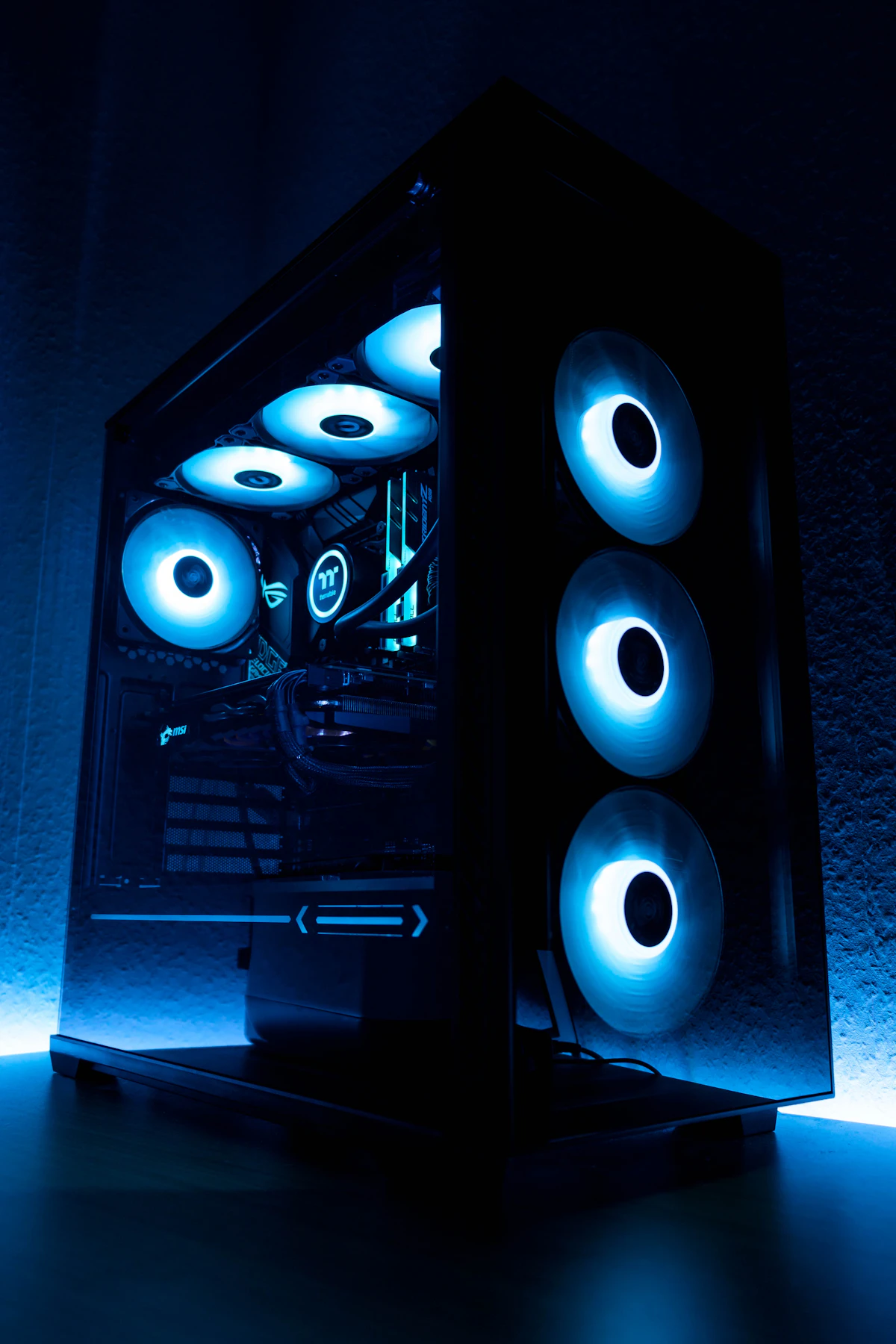
A cooling system keeps computer temperatures stable. Good cooling improves performance and extends the lifespan of hardware components.
- Air Cooler
- Liquid Cooler

8. PC Case
The PC case is where all hardware components are installed. Besides appearance, the case also affects airflow and overall system temperature.

Tips for Choosing a Beginner PC
- Choose components based on your main needs
- Use an SSD for faster performance
- Select a high-quality PSU
- Use at least 8GB of RAM
- Make sure all components are compatible
Conclusion
Understanding basic PC components is important before buying or building a computer. By learning the functions of the CPU, motherboard, RAM, GPU, storage, and other parts, you can choose the best specifications for your needs and budget.
This guide is perfect for beginners who want to learn about computers, build a gaming PC, or understand modern desktop hardware.
Join the conversation